

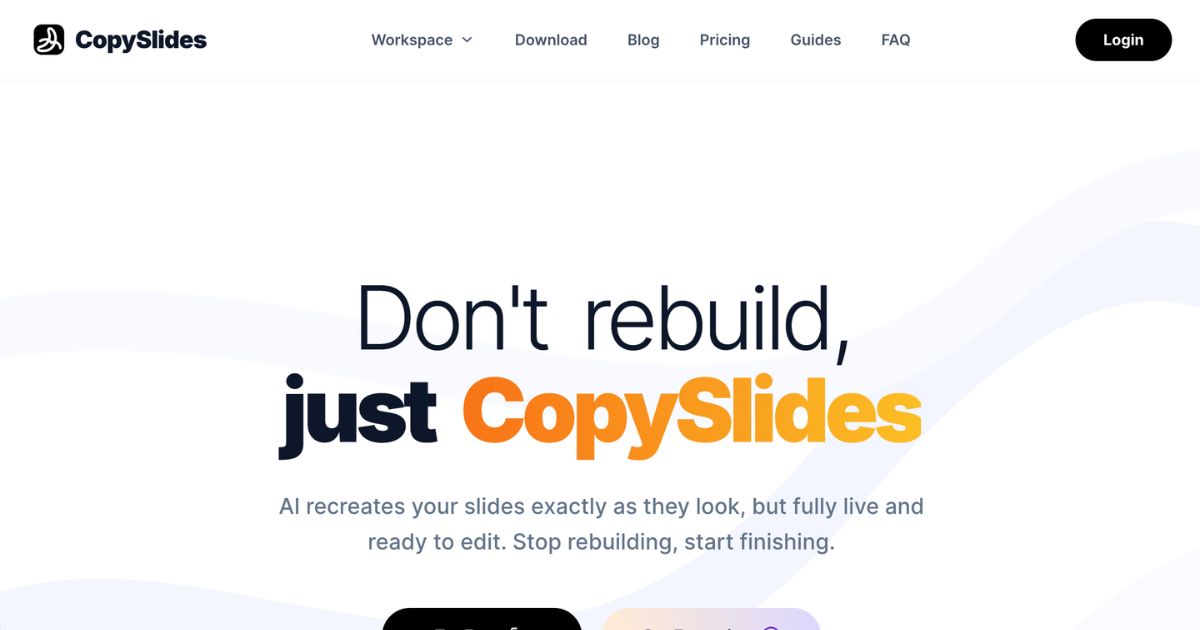
CopySlides is an AI-powered presentation conversion tool designed for business professionals, educators, and consulting teams who need to transform static content—such as PDFs, images, screenshots, or videos—into fully editable PowerPoint slides. Unlike basic OCR tools, CopySlides aims to recreate layouts with precision, matching fonts, colors, shapes, and vector elements so that every slide becomes a native, editable object, not just flattened text over image surfaces. It includes support for special inputs like content exported from NotebookLM, providing tools for users to reset styling and structure while preserving the original visual fidelity of source material. The tool offers both cloud-based and offline workflows, accommodating privacy-sensitive projects and high-volume demands.
Key Features
Pixel-perfect cloning: CopySlides rebuilds slide layouts exactly as they appear in source files, including text boxes, shapes, and design hierarchies. This enables high-fidelity editable PowerPoint decks from static content.
Multi-format support: Accepts PDFs, screenshots or images, and videos (including exports from platforms like NotebookLM). Video conversion captures slides from recordings and turns them into clean decks.
Style preservation: Matches fonts, colors, and visual styling. Simultaneously recovers vector graphics, charts, and slide elements for editability—even with complex visuals.
Offline and desktop workflows: Offers a desktop version that works fully offline, keeping sensitive content on local machines. This version supports unlimited local conversions under a lifetime license.
Automation & API integration: Provides a public API enabling job submissions, status polling, merging of converted files into single decks, and batch processing workflows. Ideal for integrating into document management systems, LMS, or other enterprise pipelines.
Who is it for?
CopySlides is well-suited for business owners, consultants, sales and marketing professionals, educators, and operations teams who regularly work with presentation materials that are static and require editing. Typical use cases include:
Converting exported documents (such as NotebookLM PDFs) into presentation-ready decks without rebuilding them manually.
Turning screenshots or images of slides into layered, editable PowerPoint files when source decks are unavailable.
Extracting slide content from webinars or recorded meetings to create polished, reusable assets.
Reworking client-supplied decks or reports with charts and graphics, while preserving their original style and layout.
Supporting teams handling high volumes of slide conversions or those needing to integrate slide generation into automated workflows.
Pricing
CopySlides offers a tiered pricing model designed to match different levels of usage:
Starter Plan: $9 per month. Includes up to 200 slides per month, high-fidelity editable PPTX output, and NotebookLM watermark removal.
Plus Plan: $19 per month. Covers everything in Starter plus up to 600 slides per month and email-based support.
Lifetime Plan: One-time payment (discounted from its original pricing). Offers unlimited slide conversions via the Desktop App, up to 10,000 slides via web and extension use, licensed for up to three devices, includes founder-level support, and all future updates.
All paid plans include cancellation flexibility. For teams needing extensive or enterprise-grade usage—including offline deployments or custom support—contacting the provider may unlock broader licensing options.
Final thoughts
CopySlides addresses a persistent inefficiency in many presentation workflows: the need to re-create static slide assets manually. For decision-makers who frequently inherit PDFs, images, or webinar recordings rather than editable decks, CopySlides offers a strong value proposition by saving time and preserving design consistency. Its layout-recovery, style matching, and vector element restoration features help ensure output quality remains high. The offline desktop option adds a layer of privacy and security for sensitive materials.
However, users should note foreseeable limitations: highly complex layouts may still require fine-tuning, and embedded animations or transitions from original video sources are generally not preserved in the static slide output. For those with light or occasional presentation editing needs, the paid plans represent a cost; heavier users or organizations may achieve better value through the lifetime or enterprise options. Overall, when editability, layout fidelity, and time savings matter, CopySlides offers a compelling solution.
Visit the official website for more.
Keep up to date with our stories on LinkedIn, Twitter, Facebook and Instagram.